

Web Page Structuring
Original Publish Date: 06/18/2025 by Anthony Madalone
Last Edited on: 06/18/2025 by Anthony Madalone
1. Secure the Wireframe/Page Layout
Structuring headers on web pages before writing is far more structured than doing the same thing for blog posts, as most web pages we’re designing will already have a pre-existing layout to fill in — whether it’s live on-site or in development.
Most of the time, you’ll have a clear idea from Chris about what that layout looks like/where it lives; if, however, you’re confused, you can also use context clues to get an idea of what the page will look like.
Take, for example, this brief for WIFH VI Peel Toxbooster:
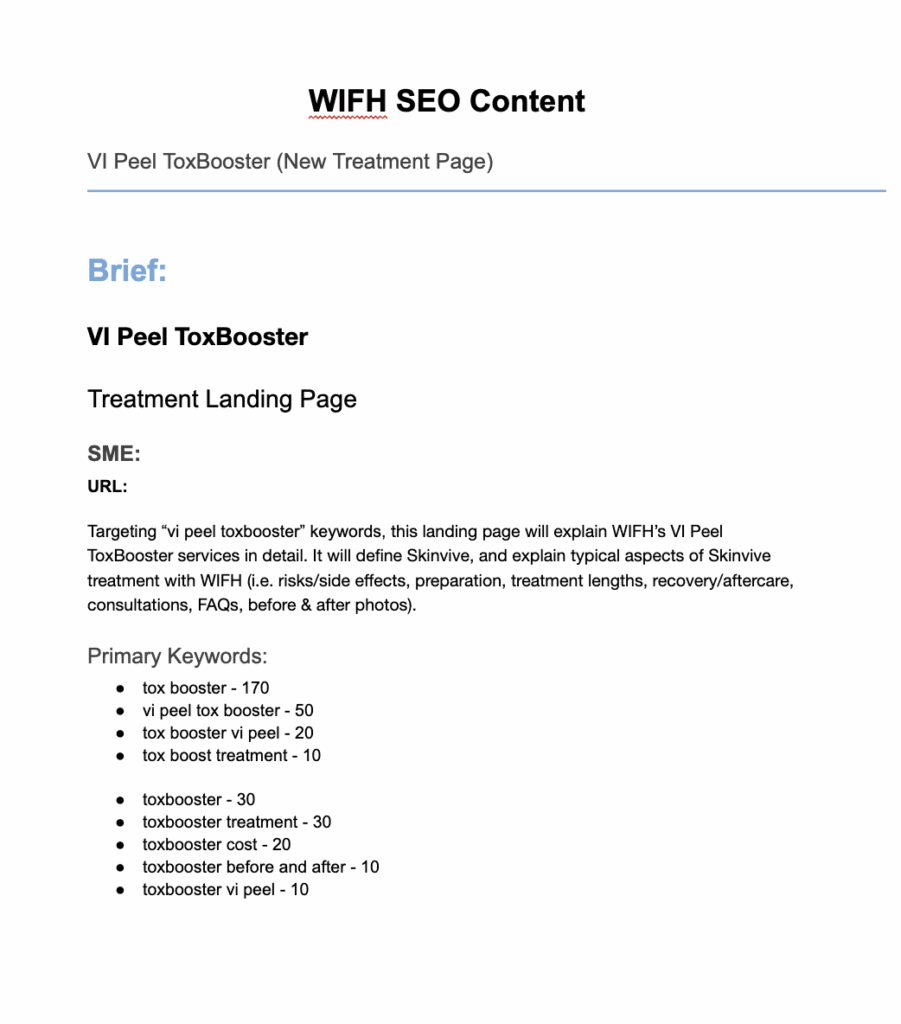
Targeting “toxbooster vi peel” keywords, this landing page will likely follow a similar structure to existing pages about facials in Atlanta. In turn, I found this page for VI Peels to use as an example. Before submitting a page layout or writing any copy, always confirm with Chris that the layout you’re using is accurate.
2. Put the Layout in a Document
Once you know exactly what page layout you’re using, plug an example of that layout into Google Docs. For example, if we’re using the VI peel layout mentioned above, your Google Doc would look something like this:

This one is simple and easy, almost exclusively using H2s — keep in mind some others may be a bit more complex!
3. Edit Headers for New Keywords
Now, just edit the layout for your new keywords, just like this:

And that’s a new outline! For other brands, replacing and reworking layouts for new contents will likely take a higher level of effort; always handle these on a case-by-case basis, and always work with Chris to make sure you’re fitting his vision!