

How to Add to Homepage Slider
Original Publish Date: 05/02/2025 by Phoebe Torres
Last Edited on: 07/22/2025 by Chris Everett
- Optimize mobile & desktop versions of approved creative
- Log in to backend of lifecoreflooring.com
- Click “Slider Revolution” in the navigation menu to the left

- Open “Home Slider” editor

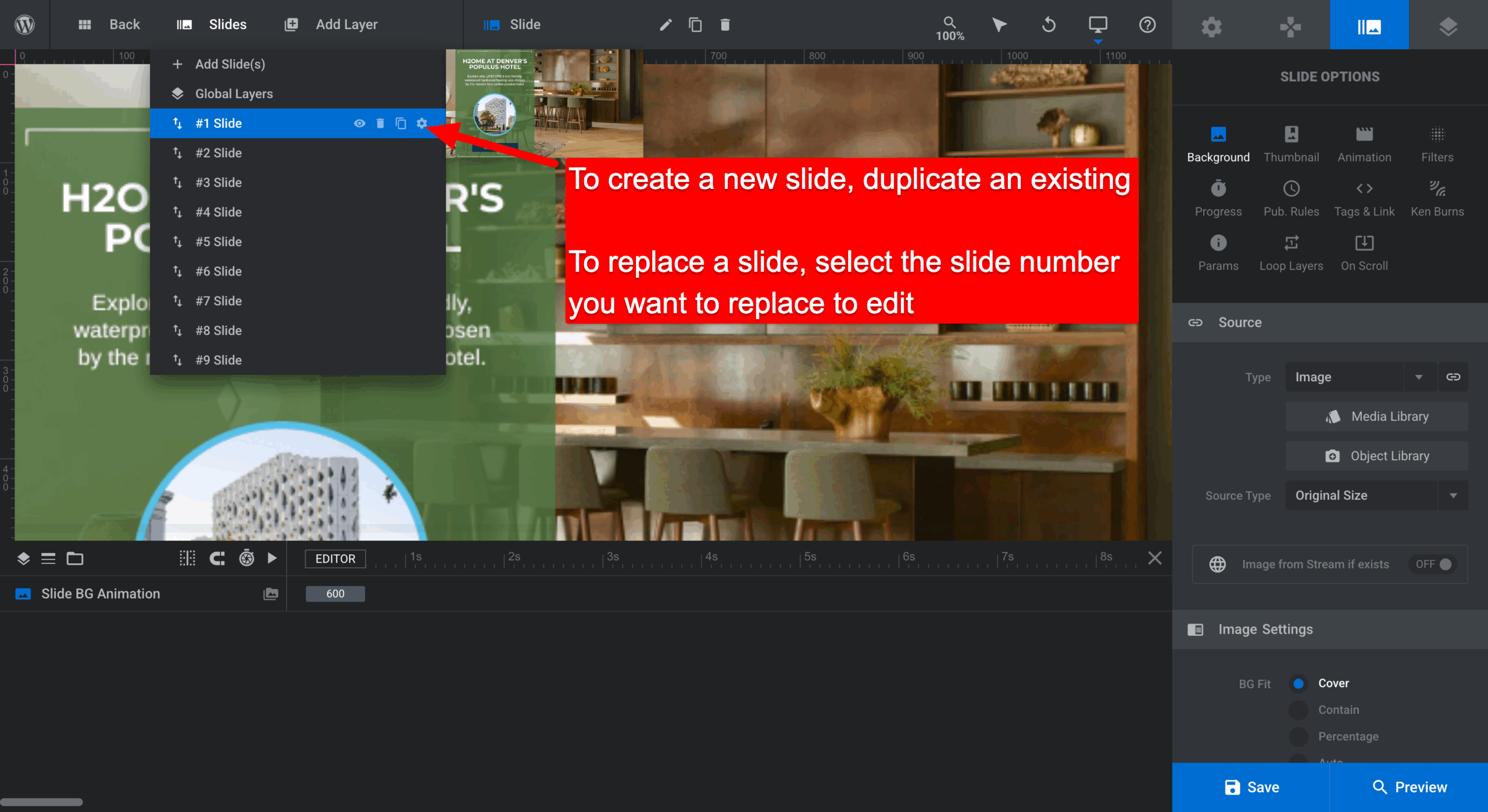
- Slides > To create a new slide, duplicate an existing one. To replace a slide, select the slide number you want to replace & edit.
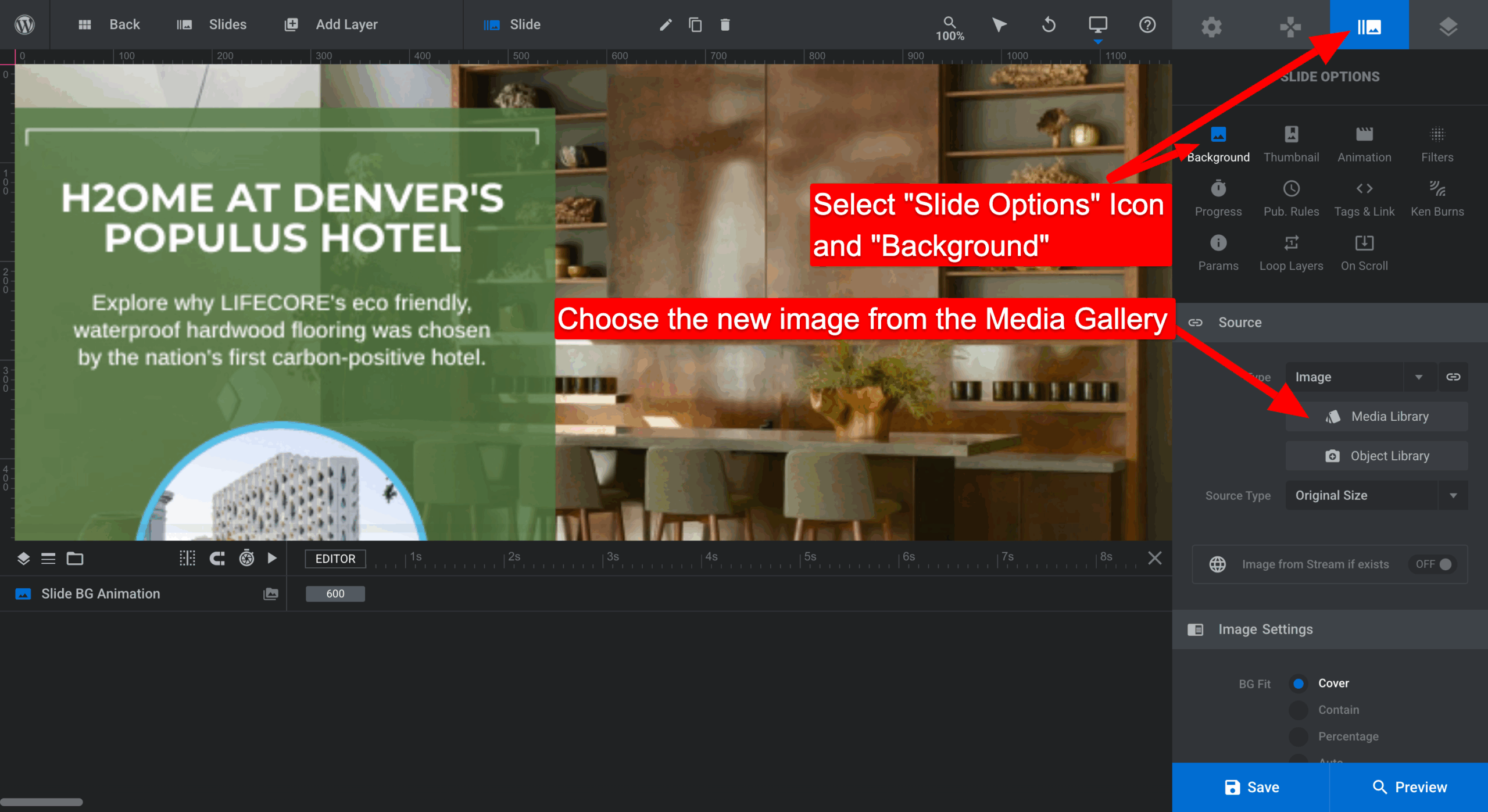
- Select “Slide Options” Icon > “Background”
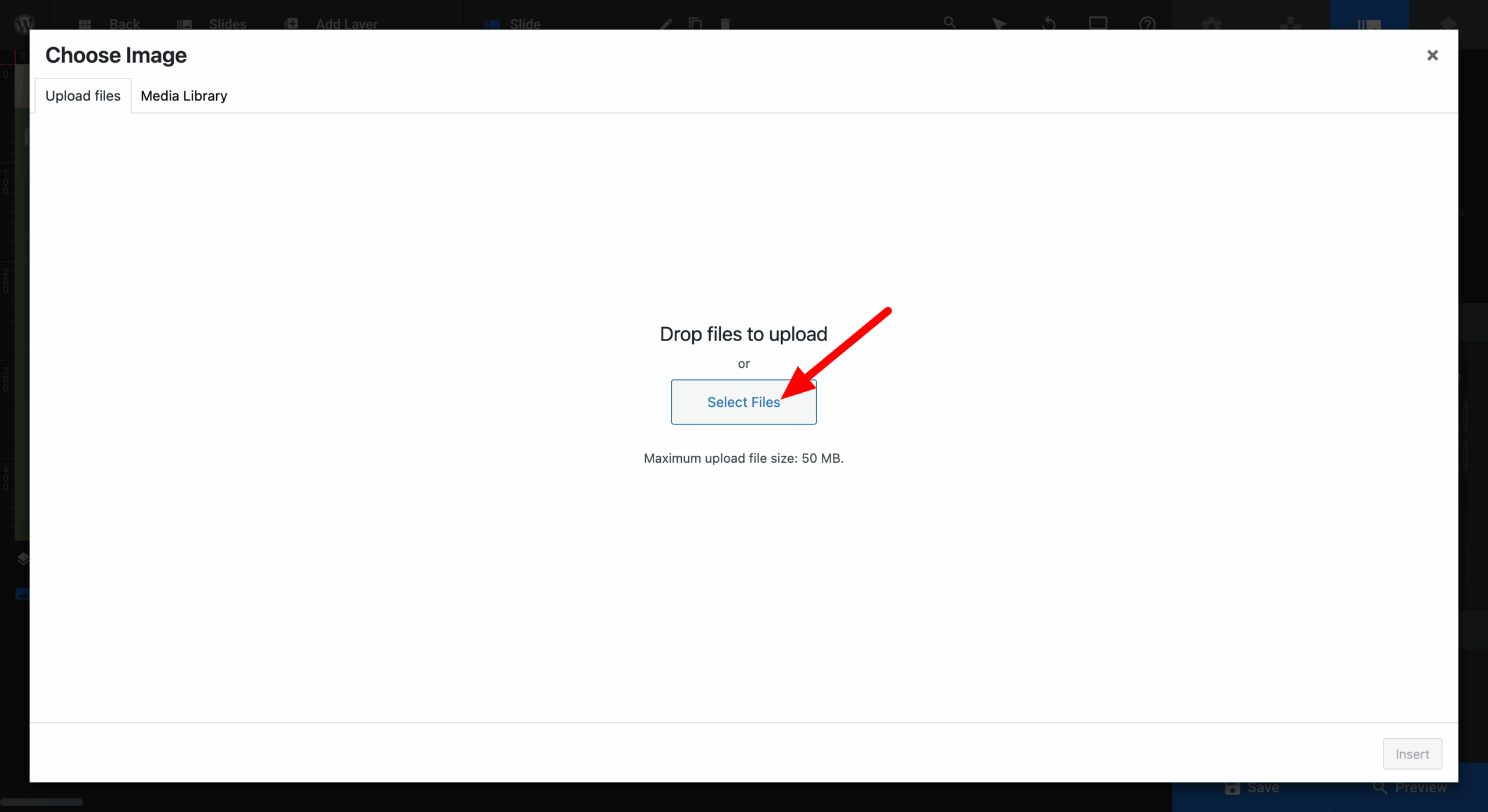
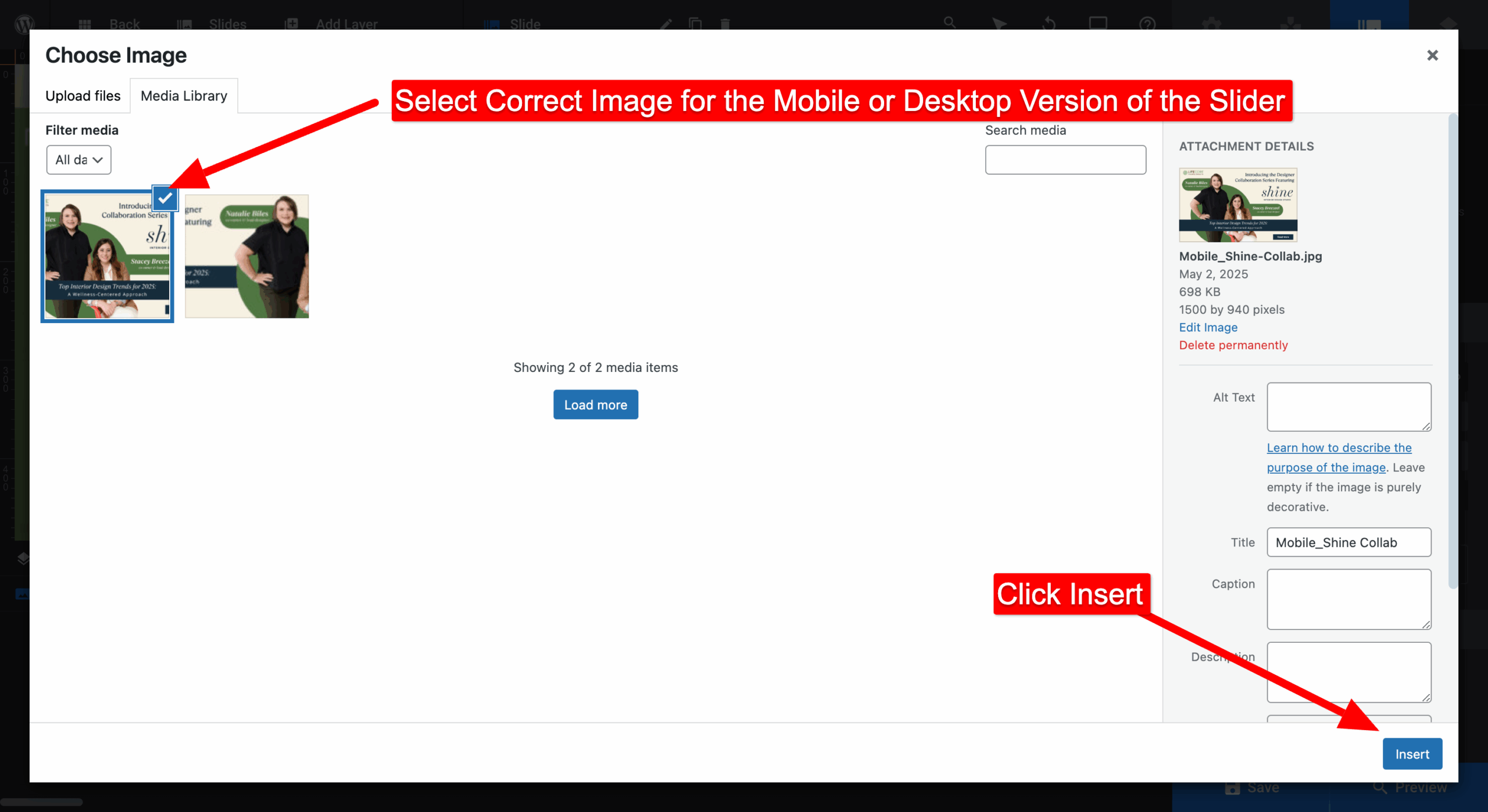
- Choose new image from Media Library
- Once the new image is in place, click on “Tags & Link” icon and replace URL field in “Link & SEO” so that the slider links where it needs to go. Save once complete.

- Once saved, hit “Back” to exit.

- Double check front-end to make sure it all looks good!